When was the Sandbox last refreshed?

Navigate to:

Setup > Company > Sandbox Accounts

Oh no! I encountered this error, now what?

Simple, this error is occurring because you’re trying to look it up from the Sandbox Environment. NetSuite is assuming at this point that there is a Sandbox within a Sandbox.

Solution:

Check that you are logged on to your Production Environment.

Deleting Amortization Schedules

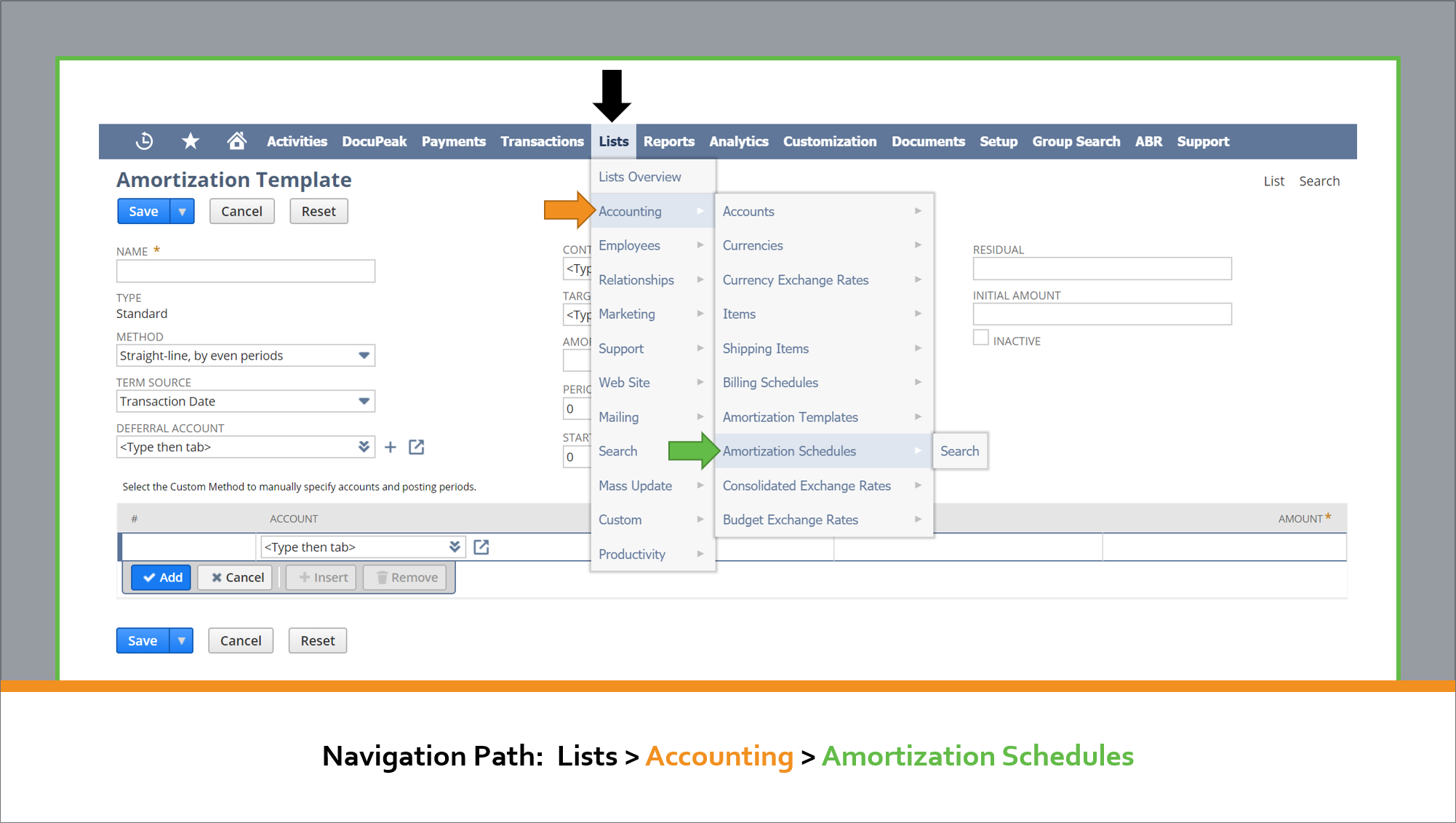
1. Open the Amortization Schedule

2. Go to the Created From field > Click on Bill

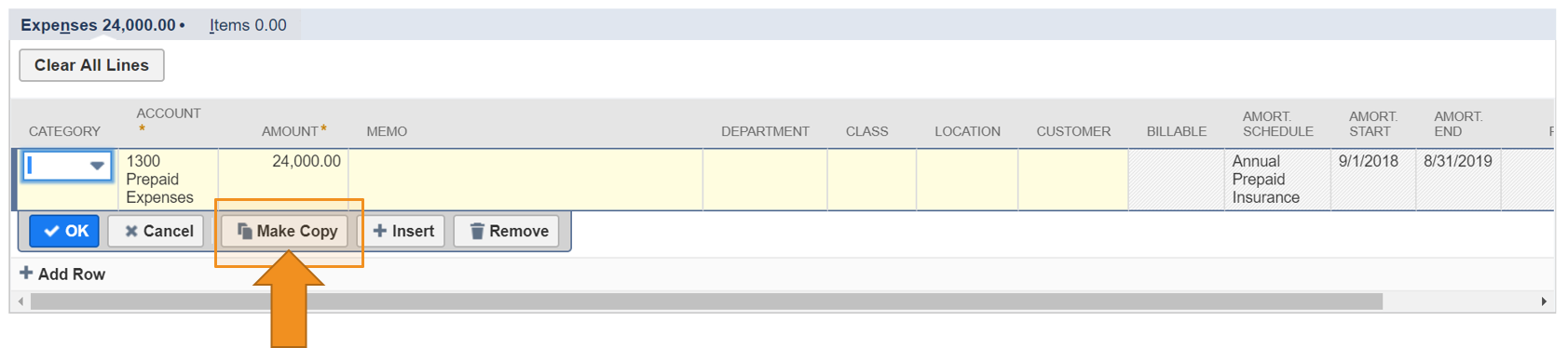
3. Go to Expenses and Items tab > Expenses subtab > Click on the first line that has an Amortization Schedule

4. Click on Make Copy Button

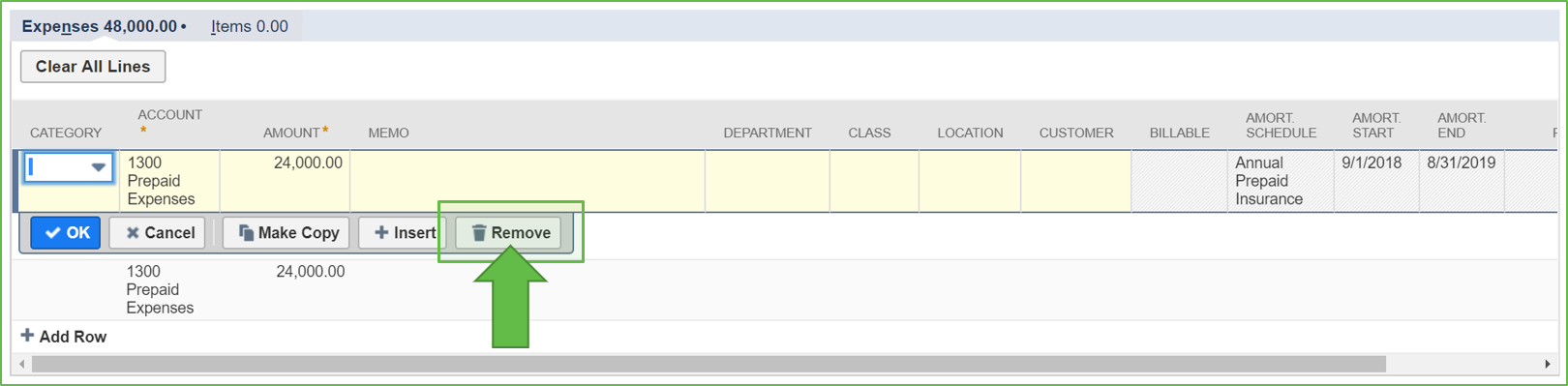
5. On the copied line, delete all of the Amortization information from the new line.

6. Once the new line has been added with the changes, select the original line and select Remove.

Lastly, hit Save.
This automatically deletes the Amortization Schedule associated to the Bill.

Note: This will not work if any part of the schedule has been recognized.

Design a site like this with WordPress.com
Get started